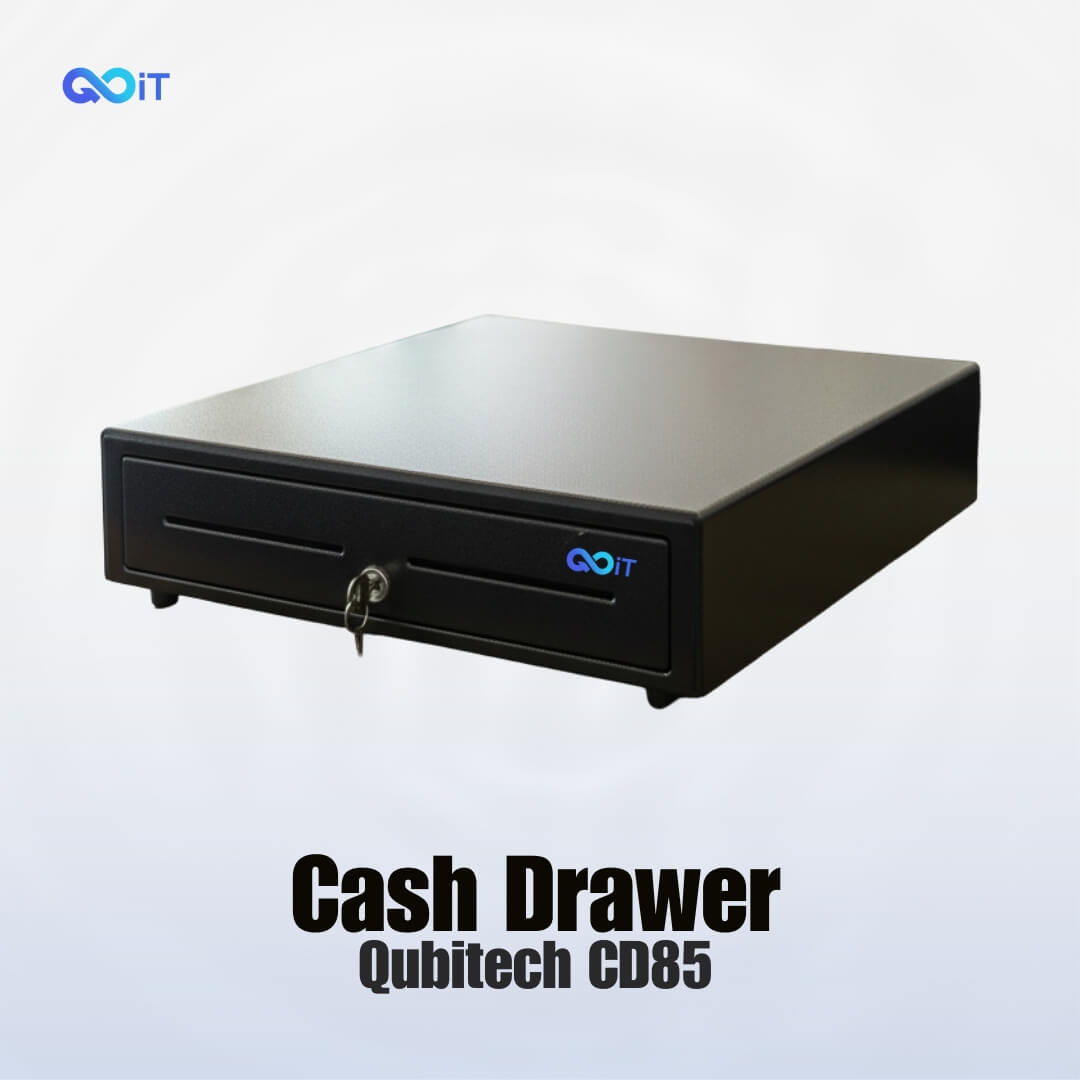
Electric cash drawers don’t usually have a “constant” relay contact like mains switches — instead they open via a solenoid trigger contact from a POS/printer:
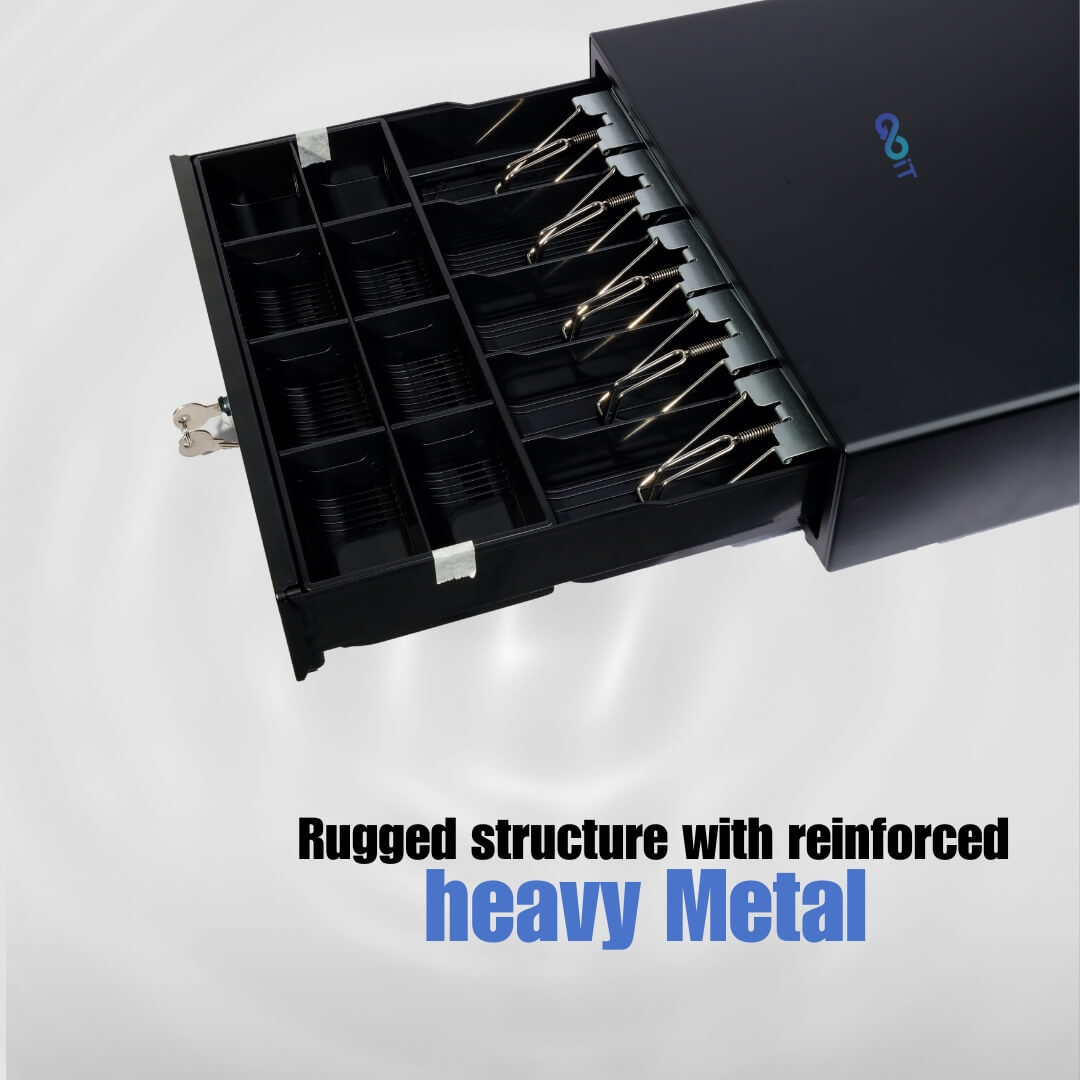
- The cash drawer contains a solenoid (an electromagnet) that pops the drawer open when power is applied briefly (a pulse), not continuously.
- This pulse is sent by the POS system or receipt printer through a small connector (often RJ11/RJ12 interface cable).
- Standard input voltages are around 12 V DC or 24 V DC — depending on model and region.
- The drawer’s connector cable usually has wires for:
- Solenoid activation (to open)
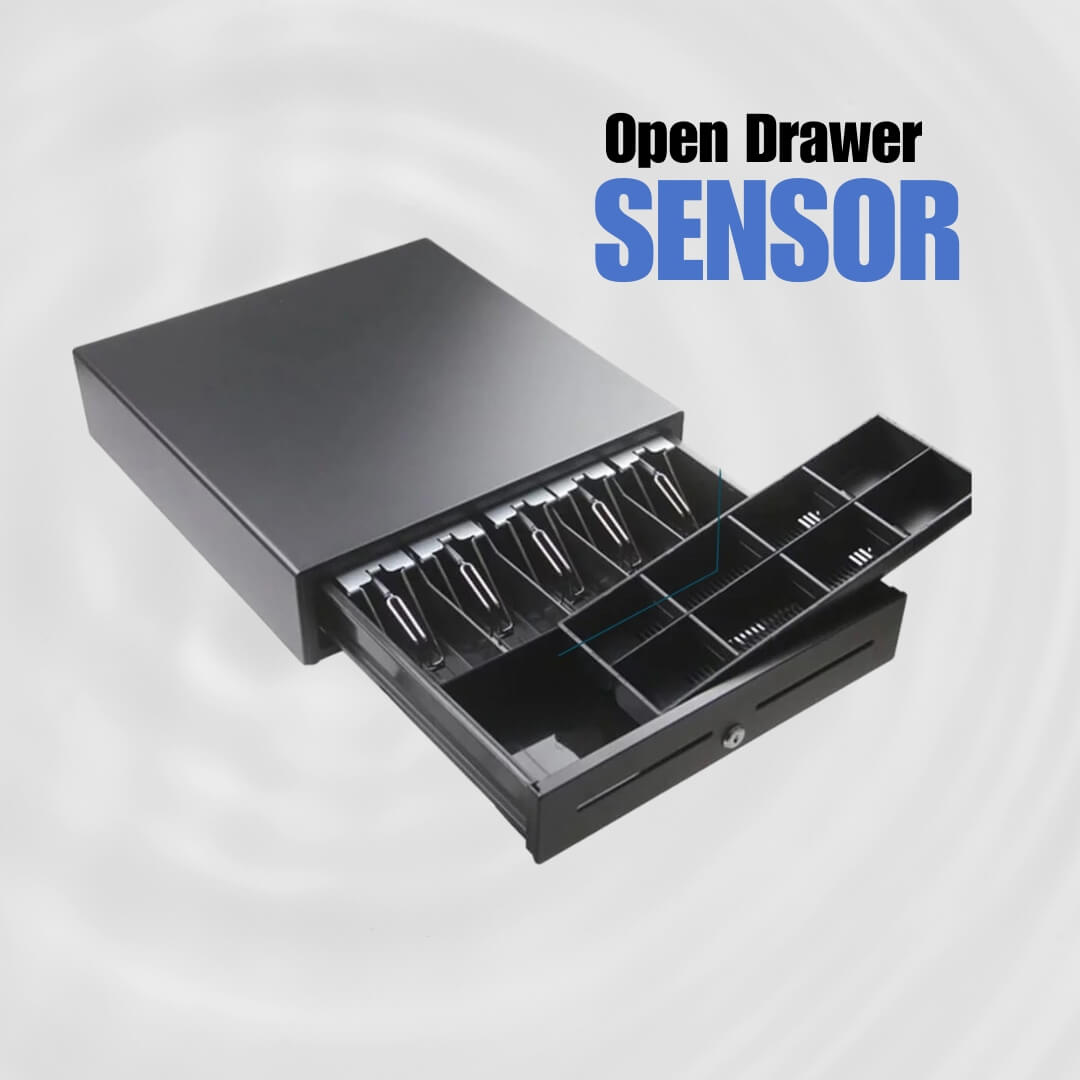
- Open/closed status switch (contacts) — a micro-switch inside that changes state when the drawer is open.
So “electric contact/constant” in this context means the electrical connection/signal that tells the drawer solenoid to trigger, and status contacts that tell the POS that the drawer is open or closed.
📊 Typical Wiring / Contacts in an Electric Cash Drawer
Most standard electric cash drawers use an RJ11/RJ12 interface cable with pins such as:
- Power/Solenoid input (e.g., +12 V/24 V) — applies a momentary voltage pulse to trigger the solenoid.
- Drawer status switch contacts — open/closed sensors that change contact state when the drawer moves.
The exact pin functions depend on the drawer model and cable wiring. For example, on some drawers:
- Pins for solenoid activation (to open)
- Pins that close together when the drawer is open (status signal)
- Pins that open when closed
This allows the POS software to know whether the drawer is open or closed.
⚡ How It Works Electrically
- POS software or printer sends “drawer kick” signal (a brief voltage pulse) to the drawer solenoid.
- Solenoid energizes momentarily and mechanically releases the latch.
- Drawer opens.
- Inside the drawer, a micro-switch contact changes state so the system can detect “drawer open/closed.”









Reviews
There are no reviews yet.