

In today’s fast-paced retail environment, having a reliable billing system is essential for smooth operations and customer satisfaction. A Windows POS billing machine is one of the most popular choices for businesses due to its flexibility, ease of use, and compatibility with a wide range of software and hardware. If you’re planning to buy a Windows POS system, this guide will help you understand how to choose the right one for your shop.
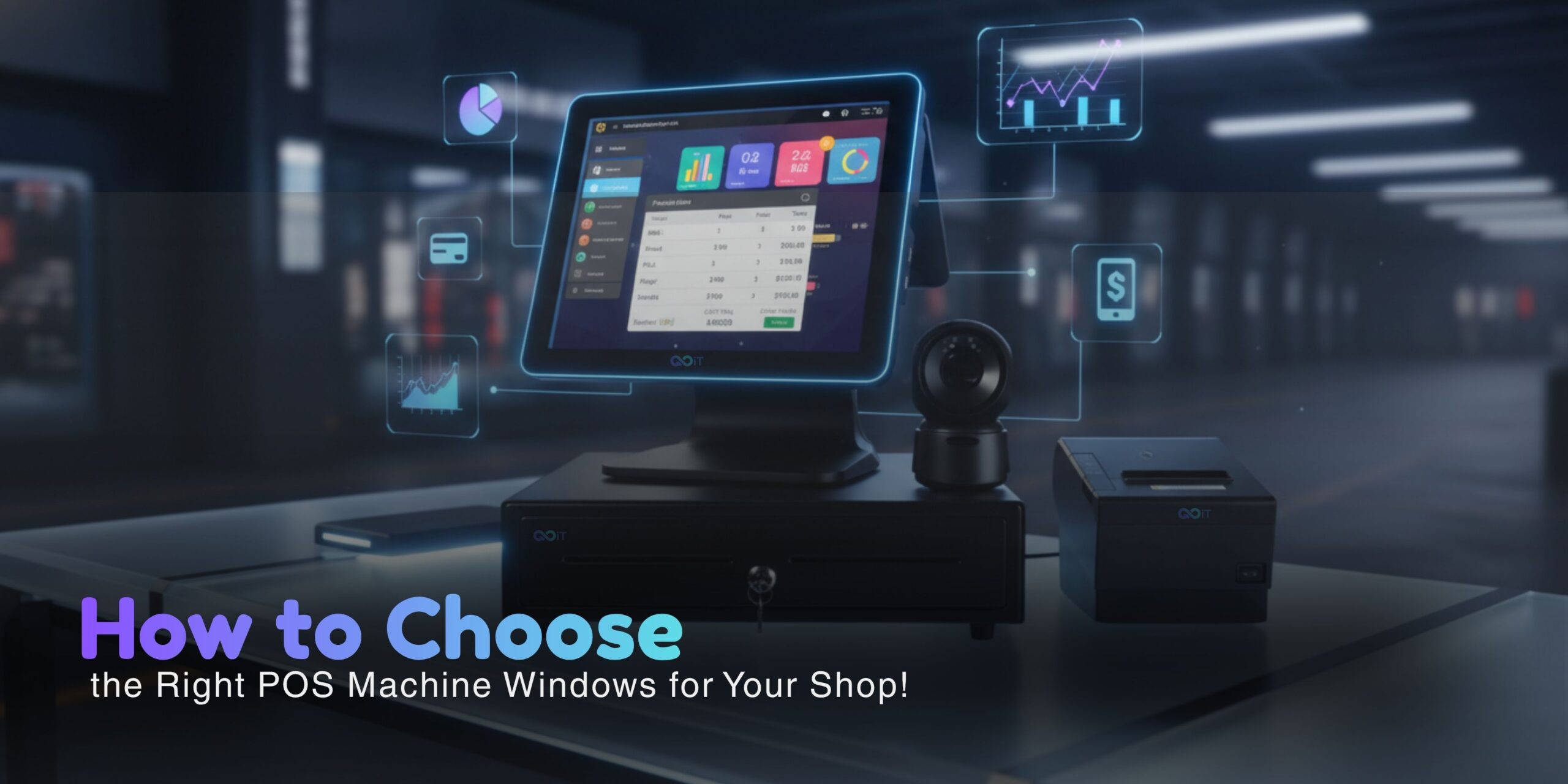
A Windows POS machine is a billing system that runs on the Windows operating system. It combines hardware like a touchscreen monitor, barcode scanner, receipt printer, and cash drawer with POS software to manage sales, inventory, and customer data.
These systems are widely used in retail shops, restaurants, supermarkets, and service businesses because of their familiar interface and scalability.
There are several reasons why businesses prefer a POS machine Windows setup:
- User-Friendly Interface: Most users are already familiar with Windows, reducing training time.
- Wide Software Compatibility: Supports various POS billing software and third-party integrations.
- Hardware Flexibility: Easily connects with printers, scanners, and other peripherals.
- Customization Options: Suitable for different industries with tailored solutions.
- Scalability: Can grow with your business as you add more features or outlets.
Types of Windows POS Systems
When looking to buy a Windows POS system, you will come across different types:
- Desktop POS System
Ideal for small shops with fixed billing counters. It includes a monitor, CPU, and connected peripherals.
- All-in-One Touch POS
Also known as window touch POS, this system integrates everything into a single touchscreen device, saving space and offering a modern look.
- Portable POS Machine
Useful for businesses that require mobility, such as restaurants or delivery services.
Choosing the right Windows POS billing machine requires careful consideration of features:
- Touchscreen Display
A responsive touchscreen improves billing speed and enhances user experience.
- Fast Processing Speed
Look for a system with a good processor and sufficient RAM to handle transactions smoothly.
- Inventory Management
A good POS system should track stock levels, alerts, and product performance.
- Billing & Invoicing
Ensure it supports GST billing, multiple payment methods, and quick invoice generation.
- Software Compatibility
Check if it supports your preferred POS software or comes with pre-installed solutions.
- Connectivity Options
Wi-Fi, Bluetooth, USB ports, and LAN support are important for smooth operations.
- Security Features
Data protection, user access control, and backup options are crucial for business safety.
Here are some practical steps to help you make the right decision:
- Understand Your Business Needs
Identify whether you run a retail shop, supermarket, or restaurant. Your requirements will vary accordingly.
- Set Your Budget
Windows POS machines are available in different price ranges. Decide your budget before exploring options.
- Check Hardware Quality
Invest in durable hardware to avoid frequent repairs and downtime.
- Evaluate Software
Make sure the POS software is easy to use and meets your billing and reporting needs.
- Look for After-Sales Support
Choose a vendor that offers installation, training, and ongoing support.
- Read Reviews & Compare
Compare different brands and models before making a final decision.
A window touch POS system offers several advantages:
- Faster billing process
- Modern and compact design
- Easy navigation with touch interface
- Improved customer experience
Reduced manual errors
When purchasing a Windows POS system, avoid these mistakes:
- Ignoring future scalability
- Choosing cheap but low-quality hardware
- Not checking software compatibility
- Overlooking customer support
Skipping demo or trial
A Windows POS billing machine is a powerful tool that can streamline your business operations, improve efficiency, and enhance customer experience. Whether you are running a small retail shop or a large store, choosing the right POS machine Windows setup is crucial for long-term success.
By understanding your needs, comparing options, and focusing on essential features, you can confidently buy a Windows POS system that perfectly fits your business requirements.
- What is the cost of a Windows POS machine in India?
The price can range from ₹15,000 to ₹60,000 or more depending on features and hardware. - Is a Windows POS system better than Android POS?
Windows POS systems offer better software compatibility and customization, while Android POS systems are more budget-friendly. - Can I use GST billing on a Windows POS machine?
Yes, most Windows POS systems support GST billing and invoicing. - What is a window touch POS system?
It is a touchscreen-based POS machine that runs on Windows OS and is easy to operate. - Do I need internet for a Windows POS system?
Not always. Many systems work offline, but internet is needed for cloud features and updates.
Add comment