

What Is It?
Club & bar billing and accounting software combines Point-of-Sale (POS) functions with financial accounting and bookkeeping, allowing you to manage:
- Billing & invoices
- Inventory of drinks/food
- Sales & revenue reporting
- Accounts & financial records
- GST compliance (in India)
- Member / customer tracking
Core Billing & POS Features
1. Fast Billing & POS Interface
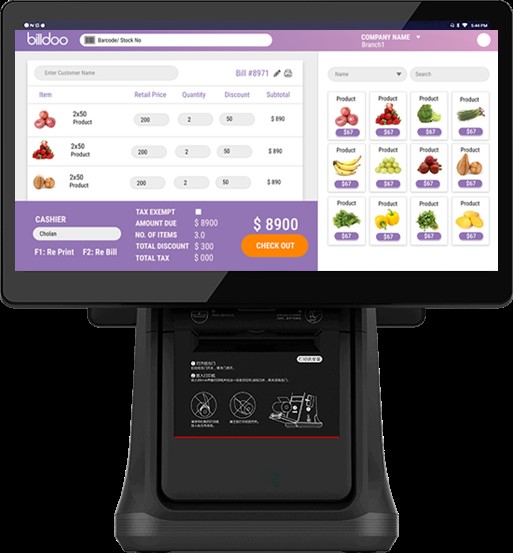
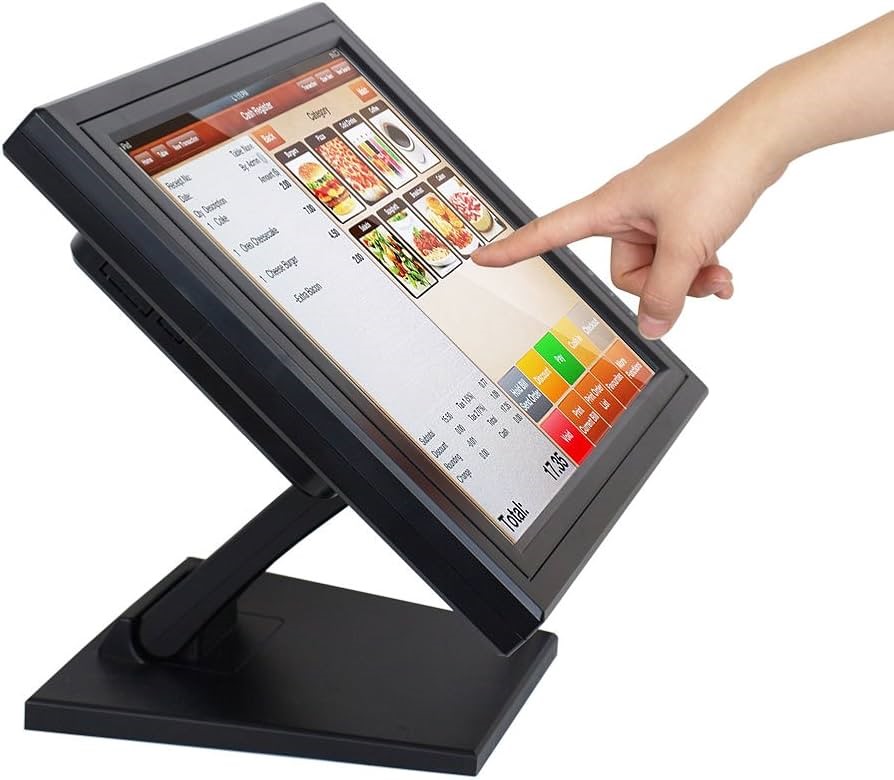
- Generate bills quickly with a touch/keyboard POS screen for orders.
- Support for 58mm / 80mm thermal printer receipts for instant printouts.
- Visual drink cards or icons help bartenders bill faster — often under 10 seconds per customer.
How It Works (Visual Concept)
- Picture a grid of drinks (with icons) on a tablet screen → Tap item → Add to bill → Print or send digital bill.
2. Order Management
- Table orders with waiter assignments.
- Running tabs where customers can add items throughout the visit.
- Split bills for groups.
3. Inventory Control
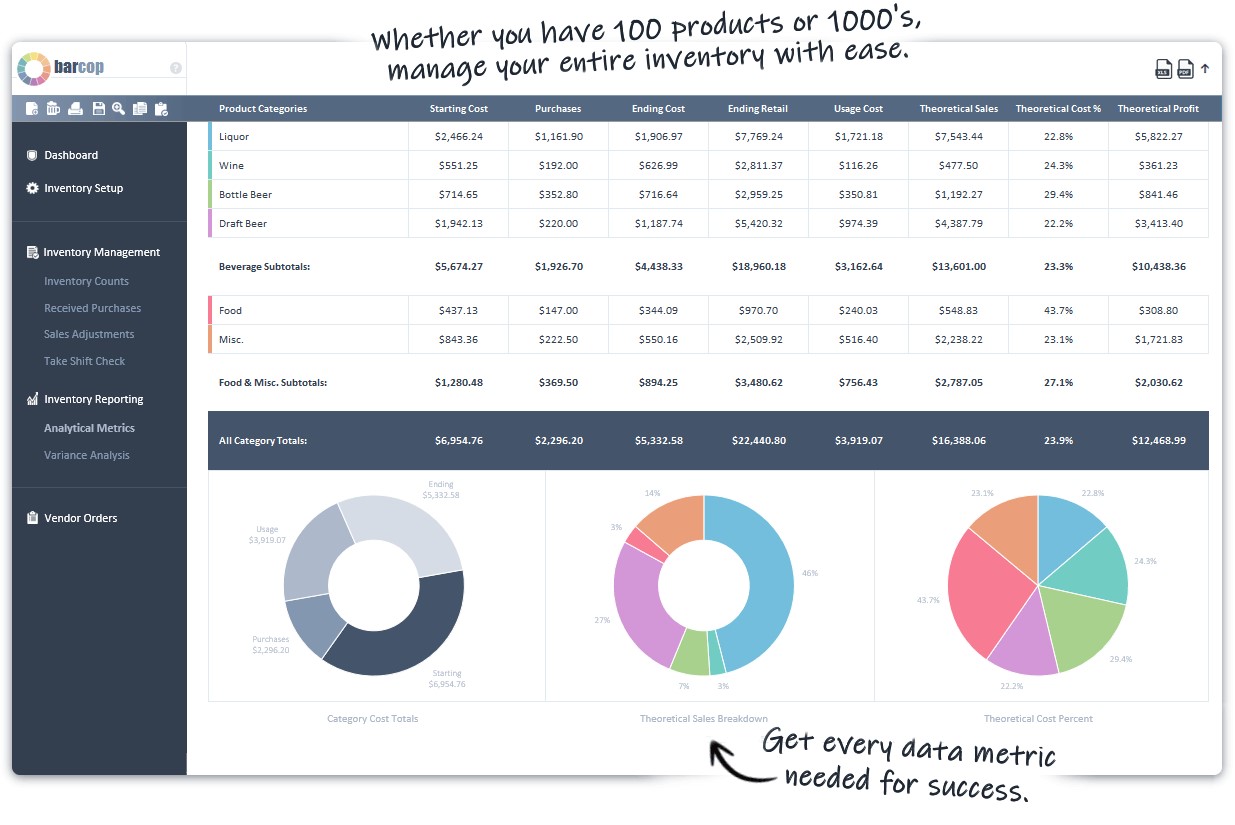
- Track stock levels of drinks and food in real-time.
- Bottle-level tracking to monitor consumption.
- Alerts for low stock / reorder levels.
4. Member & Customer Records
- Store member information (if run in a club).
- Integrates with member accounts for credit billing / tab charges.
Accounting & Financial Features
5. Integrated Accounting
- Auto-transfer of POS sales data into the accounting module.
- Record sales, expenses, and cash flows without double-entry.
- Track cashier-wise collections for accountability.
6. Reporting & GST Compliance
- Generate daily, weekly, and monthly sales reports.
- Detailed item-wise & category reports (popular drinks, peak hours, etc.).
- GST-ready invoices and tax reports (important in India).
For advanced GST filing and accounting reporting features like auto tax calculation, you can also integrate or use general accounting platforms such as Zoho Books, which support GST, invoicing, bank reconciliation, and financial dashboards.
Optional Modern Features
7. QR Menus & Contactless Ordering
- Customers scan a QR code to view the menu and place orders.
- Multilingual menus and online billing reduce waiting time.
Conceptual Visual Breakdown
Below is a conceptual image layout showing typical screens and flow in such software:
Typical Billing Flow
- Login / Start Shift
- Take Order (via POS / QR)
- Add Orders to Bill (drink icons, modifiers)
- Print / Send Bill
- Sync Sales to Accounting
- Daily Close & Reports
Benefits for Clubs & Bars
- Speeds up service & reduces billing errors
- Improves stock control (less shrinkage)
- Provides clear financial tracking
- Helps with GST compliance and tax reports
- Supports customer loyalty & member billing